

Growing your WooCommerce Store Means Having the Right Plugins
WooCommerce gives store owners a strong foundation to build and manage an online store. However, running a successful eCommerce business requires more than adding products and accepting orders. To attract visitors, improve conversions, manage store operations, and deliver a better customer experience, you need the right set of WordPress plugins.
The right WooCommerce plugins can help improve search visibility, promote products across channels, capture leads, recover lost sales, build trust, simplify checkout, and encourage repeat purchases. Some plugins support marketing through coupons, email campaigns, product feeds, and automation, while others improve payments, reviews, accessibility, order management, and post-purchase communication.
In this article, we have listed some of the must-have WordPress plugins for WooCommerce stores. These plugins can help you manage different parts of your store more efficiently and support long-term growth.
1. Product Import Export for WooCommerce
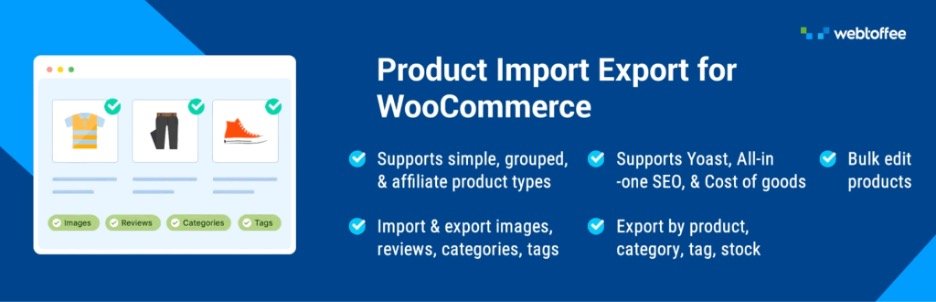
As your store grows, managing product data manually can become difficult. Product Import Export for WooCommerce helps import and export product information in bulk.
You can update product titles, descriptions, prices, categories, images, stock details, and attributes using CSV, XML, Excel, or TSV files. This Product Import Export plugin also supports different product types, including simple, variable, and grouped products.
It is useful for catalog updates, store migrations, product feed preparation, marketplace syncing, and backups. Accurate product data is important because outdated prices, descriptions, or stock details can affect marketing performance and customer trust.
2. Yoast SEO
Organic search is one of the most reliable ways to bring consistent traffic to a WooCommerce store. Yoast SEO helps optimize product pages, category pages, blog posts, and landing pages so they can perform better in search results.
The plugin provides suggestions for improving meta titles, descriptions, keyword usage, readability, internal links, and content structure. It also supports technical SEO elements such as XML sitemaps, canonical URLs, breadcrumbs, and structured data.
For WooCommerce stores, SEO is important because product pages often compete in crowded search results. Yoast SEO helps make products easier to discover and supports long-term organic traffic growth.
3. Smart Coupons for WooCommerce
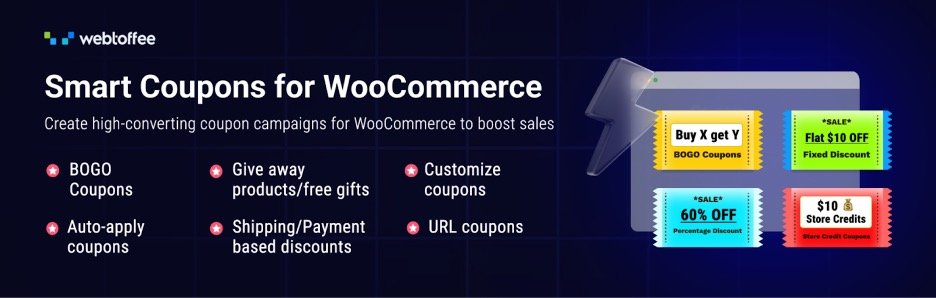
Discounts can help increase sales, but basic coupon codes may not offer enough flexibility for advanced promotions. Smart Coupons for WooCommerce helps store owners create strategic discount campaigns for different customers and goals.
With this Woo discount rules plugin, you can create BOGO offers, store credits, gift vouchers, bulk coupons, auto-apply discounts, URL coupons, and cart-based coupon rules. These options are useful for seasonal sales, email promotions, influencer campaigns, cart recovery, and loyalty offers.
For example, in the smart coupons plugin you can share a coupon link through email, and the discount can apply automatically when the customer clicks it. This creates a smoother shopping experience and can improve conversions.
4. HubSpot for WooCommerce
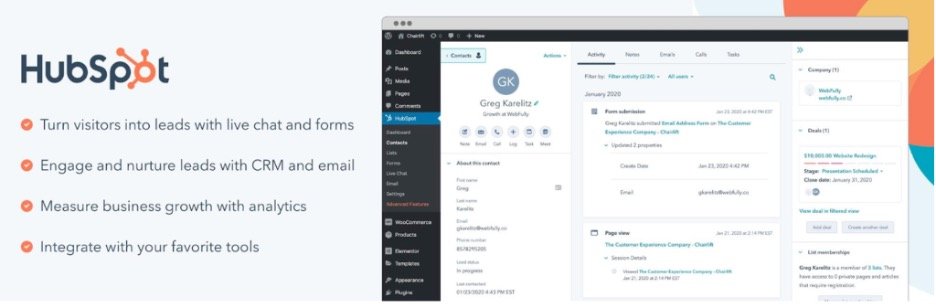
HubSpot for WooCommerce is useful for stores that need CRM, email marketing, forms, live chat, and automation in one place. Once connected, it syncs customer information, order activity, and shopping behavior with HubSpot CRM.
This helps store owners understand customers better and create more accurate marketing segments. You can target first-time buyers, repeat customers, inactive users, abandoned cart shoppers, or customers who purchased specific products.
HubSpot also includes popups, forms, email campaigns, and automation workflows. These features help capture leads, nurture customers, and send more personalized messages based on customer behavior.
5. Product Feed for WooCommerce
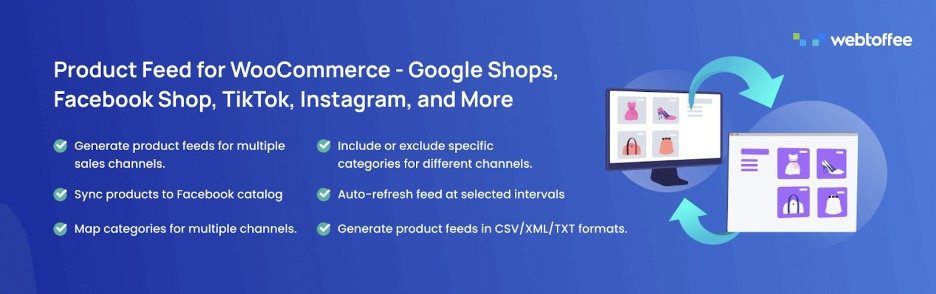
Relying only on your website can limit your product reach. Product Feed for WooCommerce helps promote your products on platforms such as Google Shopping, Facebook, Instagram, TikTok, Pinterest, and other sales channels.
The product feed plugin creates product feeds using details from your WooCommerce catalog, including titles, descriptions, images, prices, categories, and stock status. You can also map attributes, filter products, and schedule feed updates.
This is helpful for stores running shopping ads or multi-channel campaigns. By keeping product listings accurate across platforms, the plugin helps improve visibility and attract more qualified shoppers.
6. LiveChat

Many shoppers leave an online store when they cannot find answers quickly. LiveChat helps you connect with visitors in real time and assist them before they abandon your website.
You can use it to answer questions about product details, shipping, returns, pricing, compatibility, or checkout issues. It is especially useful for stores selling high-value, technical, or support-heavy products.
LiveChat can also trigger messages based on visitor behavior, such as time spent on a product page or reaching checkout. Quick support can reduce hesitation, improve confidence, and increase conversions.
7. WooCommerce Gift Cards
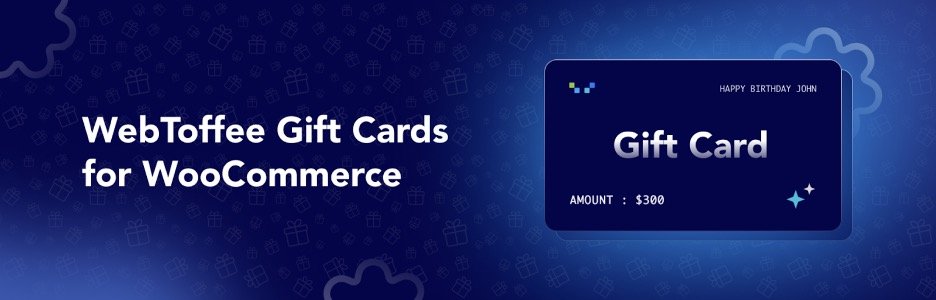
Gift cards are a simple way to attract new customers and encourage repeat purchases. WooCommerce Gift Cards allows you to sell digital or physical gift cards directly from your store.
Customers can buy gift cards for themselves or send them to friends and family. This can introduce your brand to new shoppers and encourage recipients to visit your store. In many cases, customers may spend more than the gift card value, helping increase average order value.
Gift cards are useful for holidays, birthdays, festive campaigns, store credits, loyalty rewards, and refund alternatives. A free version is also available.
8. Checkout Field Editor for WooCommerce
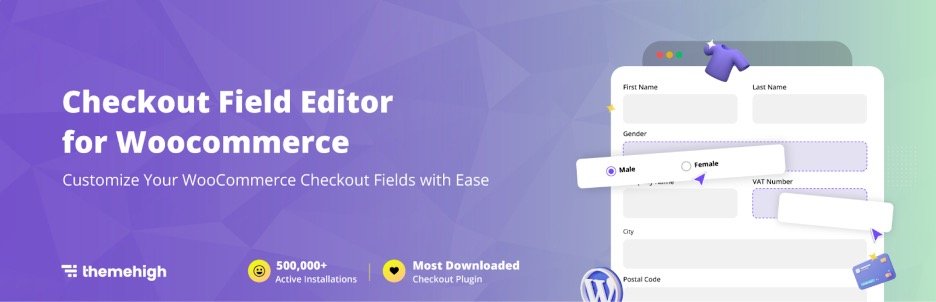
A complicated checkout process can reduce conversions, even when your campaigns bring quality traffic. Checkout Field Editor for WooCommerce helps simplify and customize the checkout page.
You can add, edit, remove, and rearrange checkout fields based on your store’s needs. For example, you can remove unnecessary fields or add fields for delivery instructions, tax numbers, gift messages, or order notes.
A cleaner checkout experience reduces friction and can improve conversion rates. Since every purchase ends at checkout, optimizing this step is important for store performance.
9. eCommerce Marketing Automation App
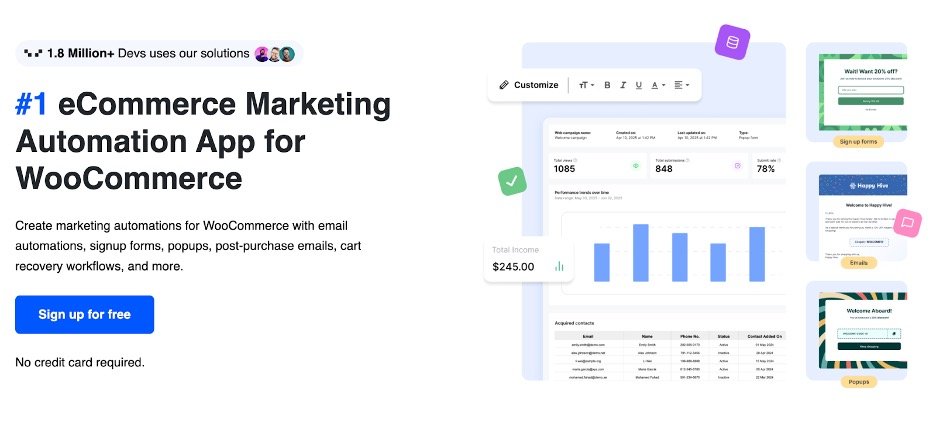
Keeping customers engaged is important for WooCommerce growth, but managing every campaign manually takes time. The Marketing Automation for eCommerce App helps simplify key marketing tasks, including lead capture, abandoned cart recovery, and customer communication.
With this marketing automation plugin, you can create workflows based on how customers interact with your store. You can attract subscribers using signup forms and popups, then follow up with automated email sequences that introduce your brand or recommend relevant products.
The app also includes a drag-and-drop email builder, which helps store owners create and manage email campaigns more easily.
10. WooPayments

Payment friction is one of the major reasons customers abandon checkout. WooPayments allows you to accept payments directly on your WooCommerce store and manage transactions from your WordPress dashboard.
You can view payments, track deposits, process refunds, and monitor transactions without switching between multiple platforms. For customers, the payment process feels more direct and reliable.
After bringing visitors to your store, the final payment step should be simple. WooPayments helps protect conversions by offering a convenient and trustworthy payment experience.
11. Request a Quote Plugin for WooCommerce

Some WooCommerce stores need flexible pricing, especially B2B, wholesale, custom product, or bulk order businesses. Request a Quote for WooCommerce allows customers to submit quote requests instead of placing regular orders.
Customers can add products to a quote basket and send an inquiry. Store owners can then review the request, adjust pricing, and send a custom quote.
This turns product interest into a qualified lead. Even if the customer does not buy immediately, you now have a direct conversation started, which can lead to follow-ups and personalized offers.
12. Accessibility Tool Kit

WebYes Accessibility Toolkit helps website owners improve accessibility without coding. It supports accessibility-friendly configurations for WordPress and WooCommerce websites and aligns with standards such as WCAG 2.1, ADA, and EAA.
WebYes also offers a free WordPress accessibility checker plugin that helps identify issues such as missing alt text, low contrast, and keyboard navigation gaps. While these tools do not guarantee full legal compliance, they help store owners follow accessibility best practices and create a more inclusive user experience.
13. GDPR Cookie Consent
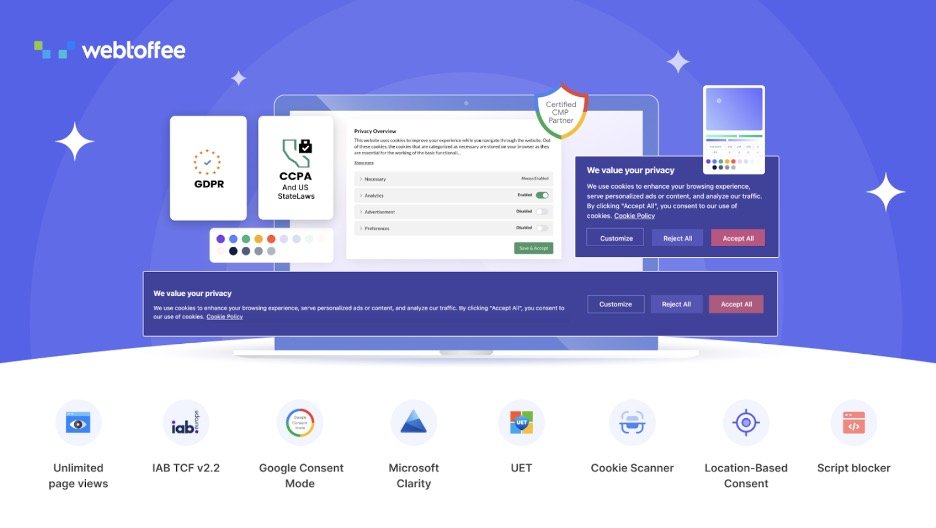
Privacy and transparency are important for building customer trust. GDPR Cookie Consent helps WooCommerce stores manage cookie notices and user consent clearly.
The plugin lets you display customizable cookie consent banners, categorize cookies, block non-essential scripts until consent is given, and maintain consent records. This is useful for stores that receive visitors from regions with strict privacy regulations.
Although it is not a direct sales plugin, it supports trust-building by making your store appear more transparent. It also helps manage tracking scripts used for analytics, ads, and retargeting.
14. WPForms
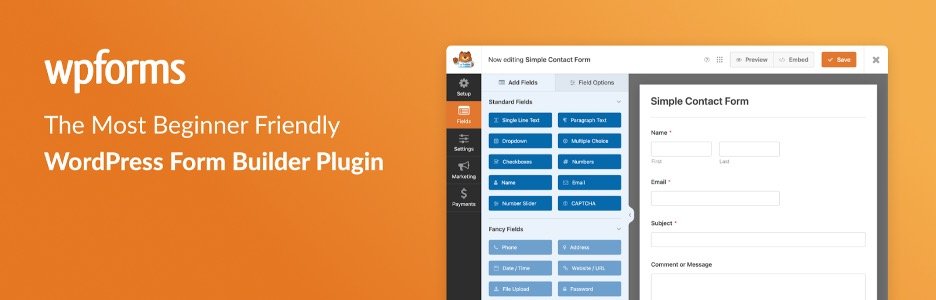
Not every visitor is ready to purchase during the first visit. Some users may want to ask questions, request a quote, subscribe to updates, or contact your team. WPForms helps capture these leads using simple forms.
Its drag-and-drop builder lets you create contact forms, newsletter forms, survey forms, feedback forms, and custom inquiry forms. You can place them on product pages, landing pages, blog posts, or contact pages.
For WooCommerce stores, WPForms can collect wholesale inquiries, custom order requests, partnership queries, and customer feedback. This helps turn visitors into useful leads.
15. WooCommerce PDF Invoices and Packing Slips
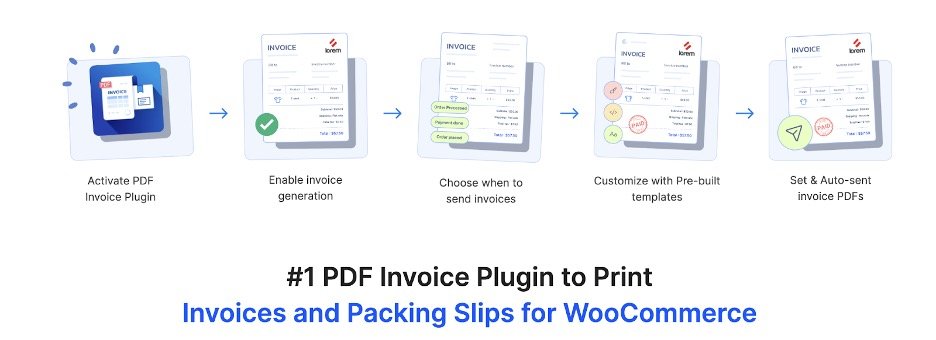
A professional post-purchase experience can improve customer satisfaction and encourage repeat purchases. WooCommerce PDF Invoices and Packing Slips automates the generation of order documents.
The plugin can create PDF invoices, packing slips, and other order documents. These can be attached to order confirmation emails or printed for fulfillment.
This saves time and creates consistency in customer communication. While it does not directly drive traffic, it improves the buying experience after purchase, which can support better reviews, referrals, and repeat sales. There is a free version available for this plugin.
16. OptinMonster
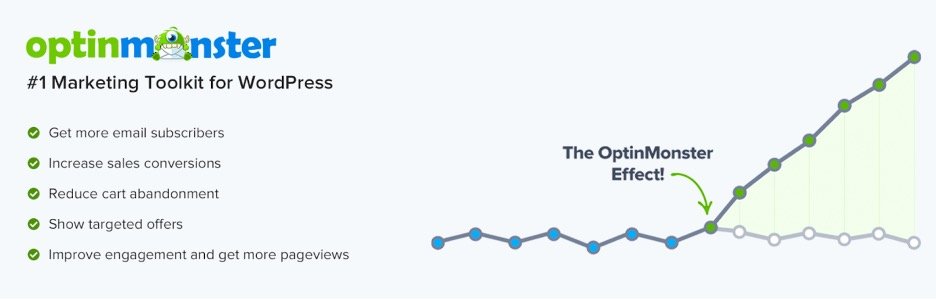
Building an email list is important for long-term eCommerce growth. OptinMonster helps WooCommerce stores capture subscribers using popups, floating bars, slide-ins, and exit-intent campaigns.
You can display targeted offers based on visitor behavior. For example, you can show a first-order discount to new visitors or an exit-intent popup when someone is about to leave. Campaigns can also be personalized by page, traffic source, or customer action.
Instead of losing visitors completely, OptinMonster helps convert them into subscribers. You can then continue engaging them with product updates, offers, and helpful content.
17. YITH WooCommerce Wishlist
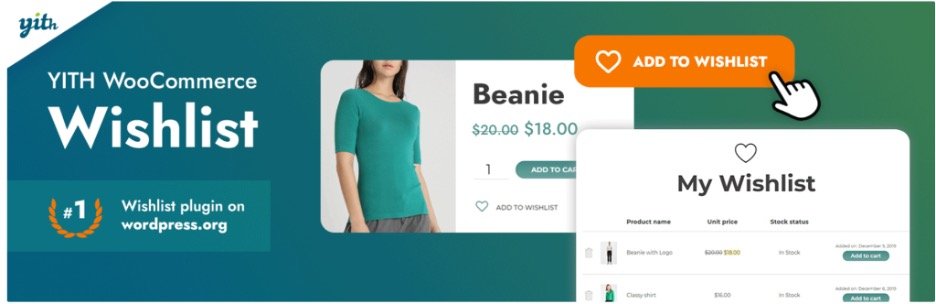
Many shoppers browse products but are not ready to buy immediately. YITH WooCommerce Wishlist allows customers to save products they like and return to them later.
Wishlists improve the shopping experience because users do not need to search again for products they already liked. Customers can also share wishlists with friends and family, which may bring new visitors to your store.
Store owners can use wishlist data to understand customer interest. If many users save a product but do not purchase it, you may need to review pricing, product content, offers, or shipping options.
18. Mailchimp for WooCommerce

Email marketing is one of the most effective ways to increase repeat purchases. Mailchimp for WooCommerce connects your store with Mailchimp and syncs customer, product, and order data.
With this data, you can create targeted campaigns such as welcome emails, abandoned cart reminders, product recommendations, post-purchase emails, and win-back campaigns.
The plugin also supports segmentation based on customer behavior. This allows you to send more relevant emails instead of sending the same message to every customer.
19. Widgets for Google Reviews
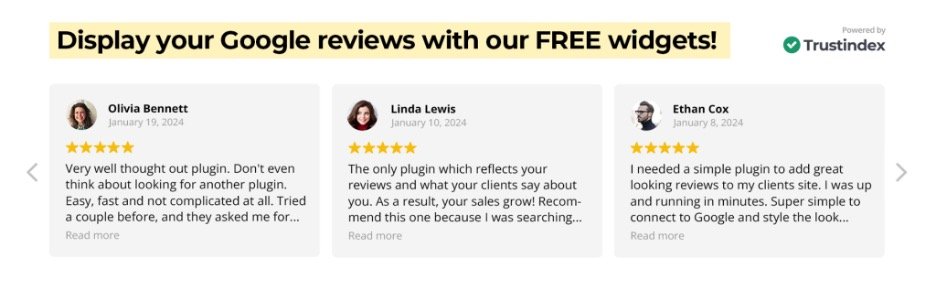
Google reviews can strongly influence buying decisions. Widgets for Google Reviews allows you to display reviews from your Google Business Profile directly on your WooCommerce website.
You can show reviews as sliders, grids, badges, or sidebar widgets. These can be placed on homepages, landing pages, product pages, or sections close to checkout.
Displaying real customer feedback helps build confidence. It is especially useful for local businesses, service-based stores, and brands with strong Google ratings.
20. Import Export Suite for WooCommerce
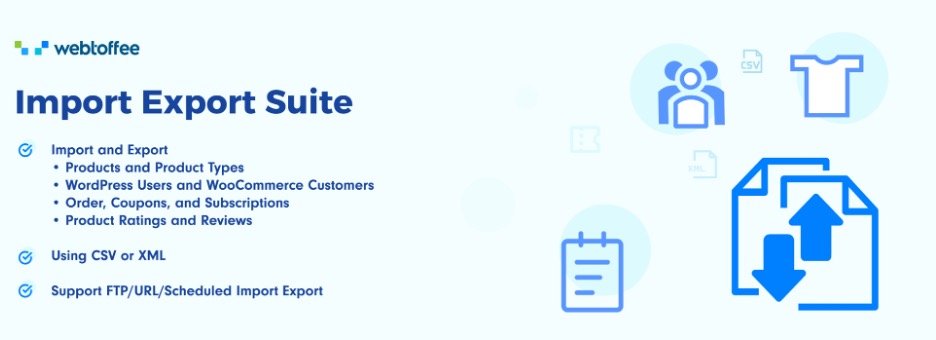
As your WooCommerce store grows, managing different types of store data manually can become time-consuming. Import Export Suite for WooCommerce helps import and export products, orders, reviews, customers, and other key store data from one place.
The plugin supports CSV, XML, and Excel file formats, making it useful for store migration, bulk updates, catalog management, and backups. It also includes advanced filtering, automation, and scheduled import/export options to help manage large volumes of WooCommerce data efficiently.
The WooCommerce Import Export Suite is also available in the WooCommerce Marketplace.
Growing an eCommerce Store with WooCommerce can be Easy!
Running a successful WooCommerce store requires the right tools for different parts of the customer journey. No single plugin can handle everything, but the right combination can improve visibility, conversions, customer experience, and store management.
SEO plugins help customers discover your store. Product feed plugins expand your reach across marketing channels. Coupon, gift card, email, and automation plugins help increase sales and repeat purchases. Review, live chat, wishlist, and form plugins improve engagement and trust. Checkout, payment, invoice, and import-export plugins support a smoother shopping and operational experience.
The best approach is to choose plugins based on your store’s actual needs and customer expectations , and eCommerce niche. If your goal is more traffic, focus on SEO and product feeds. If you want better conversions, improve checkout, payments, live chat, and reviews. If repeat sales are your priority, invest in email automation, coupons, and post-purchase communication.
With the right plugin stack, your WooCommerce store can attract more visitors, convert them more effectively, and build stronger customer relationships over time.














0 Comments