

Choosing your WooCommerce Plugins is vital to shop health
A fresh WooCommerce install gives you a cart and a checkout, nothing more. It won’t tell you if last week’s product upload actually went through clean, it won’t chase a shopper who left three items behind, and it won’t tell Google your store exists. That’s not a flaw, WooCommerce is built on the assumption that plugins handle everything outside checkout logic itself.
The hard part is choosing which plugins. Grab too many at random, especially ones fighting over the same layer of the site, and you trade one problem for three: slower pages, settings quietly overriding each other, and a support inbox full of people confused about what actually broke. A smaller, deliberately chosen stack outperforms a crowded one nearly every time.
This list covers 16 plugins for a 2026-ready WooCommerce store, organized into four practical groups rather than by vendor. Most have a workable free tier, so you can test the fit before paying for anything.
Get Your Data and Your Defenses in Order
1. WordPress Users & WooCommerce Customers Import Export
A product catalog can be rebuilt. A customer list built up over years is a different story, and WordPress Users & WooCommerce Customers Import Export is built around protecting exactly that. It exports and re-imports users as CSV, XML, TSV, or XLSX, roles and custom fields included, without flattening anything about the account.
- Migrates accounts without resetting existing passwords
- Picks up guest checkout details many export tools leave behind
- Bulk-edits customer profiles by the hundred, with FTP-based exports for recurring jobs
A free version covers basic order import and export on WordPress.org.
2. Wordfence Security

Any store that takes payments is a target. Wordfence sits between your site and that traffic as a web application firewall, checks core files for tampering, and locks down wp-admin with two-factor login and limits on failed attempts.
- Free tier is a complete security layer, not a sample of one
- Paid tier shortens the delay before new firewall rules reach your site
3. Order Import Export Plugin for WooCommerce
Order history is usually the dataset nobody touches until a migration or bookkeeping audit forces the issue. Order Import Export Plugin for WooCommerce moves orders, subscriptions, and coupon records between stores using CSV, XML, TSV, or Excel, keeping original order numbers and tax details attached to each line (pair it with WebToffee’s free sequential order number tool to keep numbering intact).
- Bulk status changes by mapping a status column during import
- Optionally excludes already-exported orders when you enable the “Exclude already exported” setting
Free version available on WordPress.org.
4. WP Rocket

Nobody decides to leave a slow store, they just close the tab. WP Rocket handles caching in a way that’s tuned specifically for WooCommerce, leaving cart, checkout, and account pages out of the cache automatically so live sessions stay intact.
- Ships pre-configured with lazy loading, script deferral, and database cleanup
Move Products Fast and Get Found
5. Product Import Export for WooCommerce
Hand-editing every product through wp-admin works for a small catalog and turns into a genuine time sink the moment it isn’t small anymore. Product Import Export for WooCommerce moves simple, variable, grouped, downloadable, and composite products in bulk via CSV, XML, Excel, or TSV, and covers how to import WooCommerce products with images as well as update ones already live.
- Quick mode for a fast transfer, Advanced mode for filtered, field-mapped imports
- Pro tier adds scheduled imports over FTP or SFTP
Free version on WordPress.org.
6. Yoast SEO
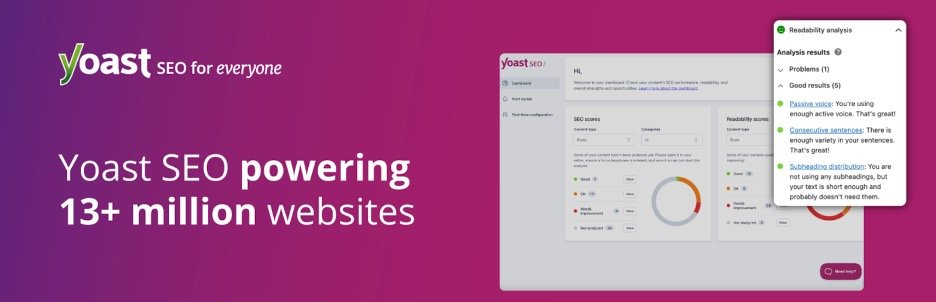
None of your products matter if search engines can’t parse them. Yoast SEO writes meta titles, keeps an XML sitemap current, applies schema markup, and scores each page for readability and keyword focus before it goes live.
- WooCommerce SEO extension adds structured data to product listings
Turn Browsers Into Repeat Buyers
7. eCommerce Marketing Automation
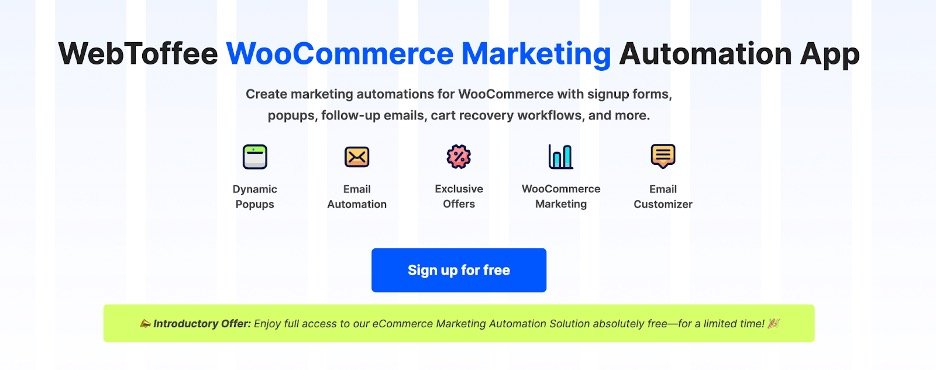
An abandoned cart isn’t gone for good, but it might as well be if nobody follows up. eCommerce Marketing Automation combines automated email sequences (welcome, cart-recovery, win-back) with exit-intent popups and a spin-to-win discount wheel, connected through a WooCommerce connector plugin.
- Drag-and-drop tool for designing order emails, not just default templates
- Reporting on opens, clicks, and conversions built in
Free version on WordPress.org.
8. UpdraftPlus

Every plugin on this list assumes there’s still a website tomorrow. UpdraftPlus backs up files and database on a schedule and pushes copies to Dropbox, Google Drive, or Amazon S3, restoring in a few clicks with no server access needed.
- Database and file backups run on separate schedules
9. Smart Coupons for WooCommerce

Out of the box, WooCommerce coupons do one thing: a flat or percentage discount. woocommerce coupon plugin turns that into a full promotions system, BOGO offers, auto-applying coupons, one-click URL coupons for email campaigns, and restrictions by role, country, or payment method.
- Free tier includes store credit, paid tier adds abandoned-cart coupon emails and advanced controls
Free version on WordPress.org.
10. Tidio

A question left unanswered at midnight usually costs you the visitor. Tidio combines live chat with an AI layer that answers routine questions and checks on orders while you’re away from the dashboard, with cart and order history visible mid-conversation.
Stay Compliant and Keep Score
11. WooCommerce Product Feed
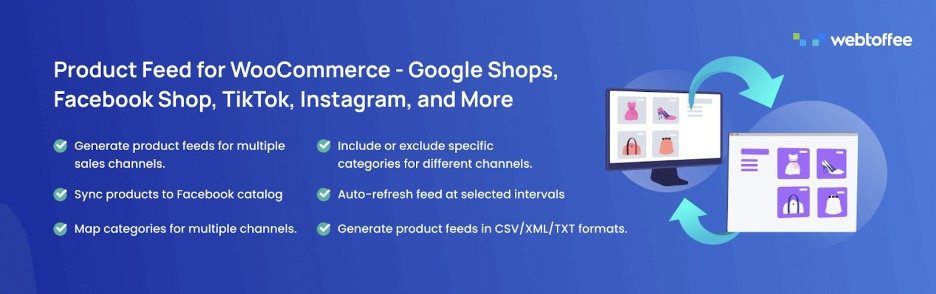
Plenty of shoppers browse inside Instagram, TikTok, or Google Shopping and never intend to visit your site directly. WooCommerce Product Feed builds data feeds for more than 20 channels, Pinterest, Snapchat, TikTok, Google Shopping, and Facebook and Instagram Shops among them, reshaping categories and attributes to match each channel’s own rules.
- Scheduled refreshes, including server cron, keep pricing and stock synced everywhere
Free version on WordPress.org.
12. TranslatePress

Once the essentials are handled, the next growth lever is often language. TranslatePress builds a multilingual store through a visual, on-page editor, click text as it appears live and type the translation right there, checkout copy included.
- Premium tier adds translated URL slugs, so a French page can rank independently
13. EU Withdrawal Button for WooCommerce

Sell into the EU and customers hold a legal right to withdraw from a purchase within a defined window, under the Right of Withdrawal Directive (EU 2023/2673). EU Withdrawal Button for WooCommerce adds that option to a customer’s order history, with a window you set from 2 to 30 days (14 is the EU default) and exclusions for product types that don’t legally qualify.
- One dashboard for every withdrawal request instead of scattered emails
It’s free on WordPress.org, a rare thing for a plugin built around a specific legal requirement.
14. Accessibility Toolkit by WebYes

Accessibility requirements have real teeth now that the European Accessibility Act is in force. Accessibility Toolkit by WebYes works toward WCAG, ADA, Section 508, and EAA compliance, fixing what it finds in the underlying markup rather than masking it behind a visual overlay. WebYes also offers a broader accessibility checker for stores that need more than the free plugin covers.
- Generates a publishable accessibility statement from the dashboard
Get Paid, Then Get the Numbers
15 – WooCommerce PDF Invoices, Packing Slips and Credit Notes
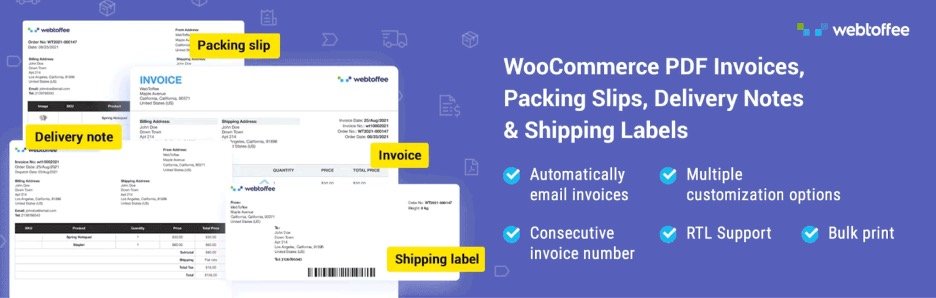
A confirmation email isn’t an invoice, and customers notice the difference. Woocommerce PDF invoice attaches a properly formatted PDF invoice to every order email automatically, with matching credit notes generated the moment a refund goes through.
- Custom numbering, tax breakdowns, and logo or signature branding
- UBL and XML invoice output for cross-border e-invoicing systems
Free version on WordPress.org.
16 – MonsterInsights

Data you don’t look at doesn’t help you, and a separate analytics tab is exactly the kind of thing that gets checked less over time. MonsterInsights brings GA4’s ecommerce reporting, revenue, conversions, top-selling products, into the WordPress dashboard, with no code required to configure it.
But where should I start?
Sixteen plugins across four groups is still a lot of installing. If you’re starting from zero, anchor on two things first: get product and customer data into a dedicated import/export tool before the catalog outgrows manual editing, and put a security plugin in place before anything happens, not as a reaction afterward. Everything else is easier to add once those two are solid.
From there, the order depends on what your store actually needs. Running ads means the product feed plugin earns its keep fast. Selling into Europe means the withdrawal button and accessibility tooling move up the list. High cart abandonment probably means the marketing automation plugin outranks half of what’s above it. None of these tools step on each other’s territory, so there’s no real downside to adding them incrementally.
Worth knowing: WebToffee also bundles all three of its own data tools, product, order, and customer import/export, together as the Import Export Suite for WooCommerce, useful if you’re moving an entire store rather than syncing one dataset at a time. And for anyone selling into the EU, running the Withdrawal Button plugin alongside WebToffee’s GDPR wordpress plugin knocks out two compliance requirements at once.















0 Comments