

Top Migration Plugins for WooCommerce in 2026
Let’s be honest, moving a WooCommerce store is rarely a smooth ride. Between large datasets, tight downtime windows, and the pressure of keeping your business running, there’s a lot that can go wrong. Do it manually, and you’re looking at errors, slowdowns, and delays you really don’t need. That’s where WooCommerce Migration plugins make a real difference. They handle the heavy lifting – transferring products, orders, customers, and other critical store data – so you can focus on running your store, not fixing migration mistakes. Here are the top WooCommerce Migration plugins to consider in 2026.
1. Product Import Export for WooCommerce
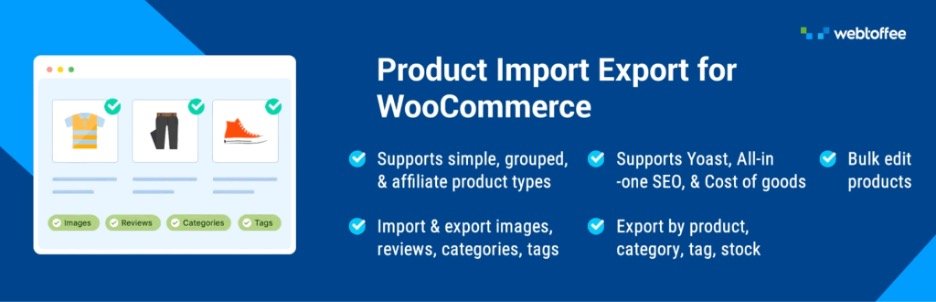
The WooCommerce Product Import Export plugin does exactly what its name suggests – it makes migrating your WooCommerce product data far less of a headache. This product import export supports CSV, XML, Excel, and TSV formats, so you’re not locked into a single file type. You can run bulk updates, schedule imports and exports, and keep tight control over your metadata. The advanced filtering options are particularly useful for store owners managing high-volume catalogs.
Key Features:
- Migrate WooCommerce products and reviews
- Supports quick and advanced imports
- Advanced filters for importing specific products
- Compatible with multiple product types
- Bulk updates existing product data
- Schedule import/export with FTP/SFTP
- Auto-generate product descriptions with ChatGPT AI
2. Import any XML or CSV File to WordPress
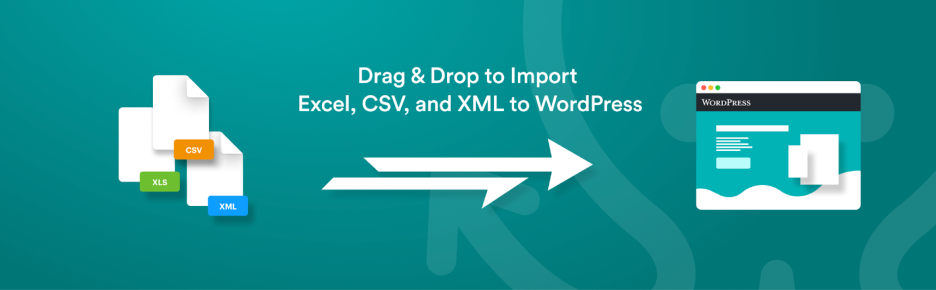
WP All Import keeps things refreshingly simple. You drag, you drop, and you import – whether it’s XML or CSV. It handles complex migrations without demanding a lot from you, supports cron tasks for automation, and can even pull images straight from file URLs.
Key Features:
- Import data into custom fields
- Download images from file URLs
- Import files from a URL
- Supports XML/CSV migration
3. Order Export & Order Import for WooCommerce
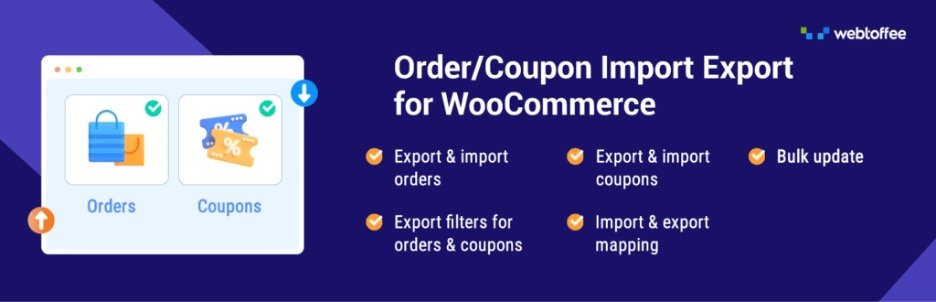
Orders, coupons, subscriptions, the WooCommerce Export Import Orders plugin covers all of it. It works across CSV, XML, and Excel formats, automates your imports, handles custom metadata, and keeps an activity log so troubleshooting is never a guessing game. The filtering options give you real control over exactly what gets migrated and what doesn’t. That’s what makes this import and export orders plugin stand out.
Key Features:
- Import/export orders, coupons, subscriptions
- Supports custom metadata for orders
- Advanced filters for specific migrations
- Automates data transfers efficiently
- Bulk-update WooCommerce orders with Import
- Supports multiple file formats
4. Product CSV Import Suite

If you’re working with a large product catalog, the Product CSV Import Suite was practically made for you. Importing, exporting, and bulk-updating product details is straightforward, and it plays well with extensions like Google Product Feed, Product Vendors, and WooCommerce Subscriptions. Managing product variants, custom attributes, and vendor details doesn’t have to be a headache.
Key Features:
- Export full or partial product data
- Bulk import/export data
- Merge and update WooCommerce products
5. SkyVerge
The CSV Import Suite tool is all about efficiency. It migrates customers, orders, and promotional codes in batches – keeping accounts and order histories intact throughout. Custom fields are supported, and because it’s compatible with CSV Export extensions, it handles the full picture of your order and customer data without any gaps.
Key Features:
- Import promo codes, customers and orders
- Retains customer accounts and order histories
- Bulk update customer information
- Supports importing multiple shipping methods
- Import custom fields and metadata
6. Export and Import Users and Customers
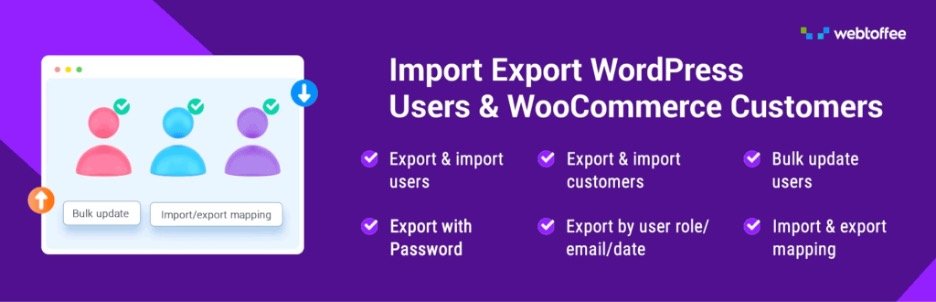
Migrating users is often the trickiest part of a store move, but the Import Export WordPress Users plugin makes it a lot more manageable. Encrypted passwords are preserved, metadata migrates cleanly, and you can filter exports by user role or registration date. Bulk updates and cron-based automation keep things moving without manual babysitting. There’s also a free version – which makes this user import export plugin a solid option for stores at any stage.
Key Features:
- Migrate WordPress users and WooCommerce customers
- Advanced filters to custom migrate data
- Retains encrypted passwords during migration
- Choose from multiple methods for data migration
- Import/export users with custom metadata
- Bulk update user and customer details
7. Import and export users and customers
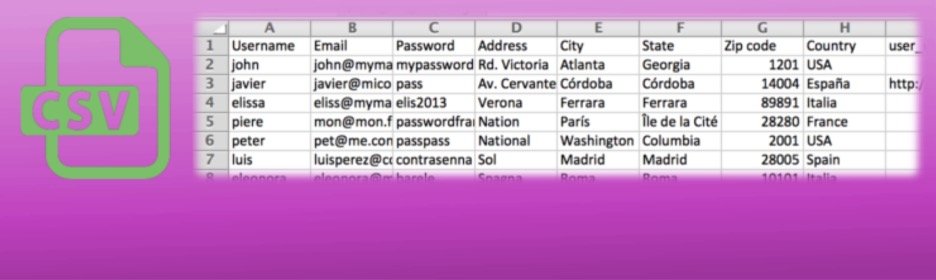
This one focuses on keeping user and customer management in WordPress as straightforward as possible. CSV imports are easy, custom metadata is supported, and you can edit profiles after import if anything needs adjusting. Cron tasks let you schedule periodic imports so updates happen without you having to step in every time. On the export side, advanced filters, by user role, registration date, and more, give you clean, well-organized data every time.
Key Features:
- Update existing WordPress user data
- Import customer metadata
- Create cron tasks to automate the import process
- Filters users and customers by role or registered date
8. Advanced Order Export For WooCommerce
The Advanced Order Export for WooCommerce plugin is for store owners who need more than a basic export. You get CSV, XML, and JSON format support, the ability to rename fields, reorder columns, and filter your data, all from a flexible interface. It lets you export exactly what you need, in the exact format you want it.
Key Features:
- Export orders, products, and custom fields
- Filter exports for specific data fields
- Rename fields and reorder columns easily
- Supports exporting in multiple formats
9. Export any WordPress data to XML/CSV
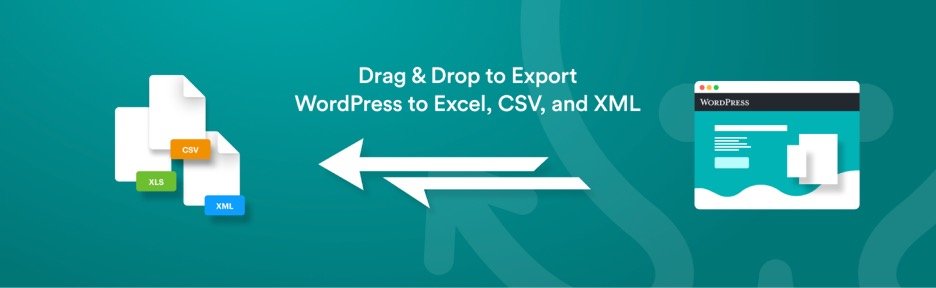
WP All Export doesn’t overcomplicate things. Three steps, a drag-and-drop interface, and you’re done. Whether you’re exporting data for editing, migrating content between WordPress sites, or pulling tailored reports, it handles the job well.
Key Features:
- Export data into custom CSV/XML formats
- Supports custom post types and fields
- Integrates with WP All Import
10. Import Export Suite for WooCommerce
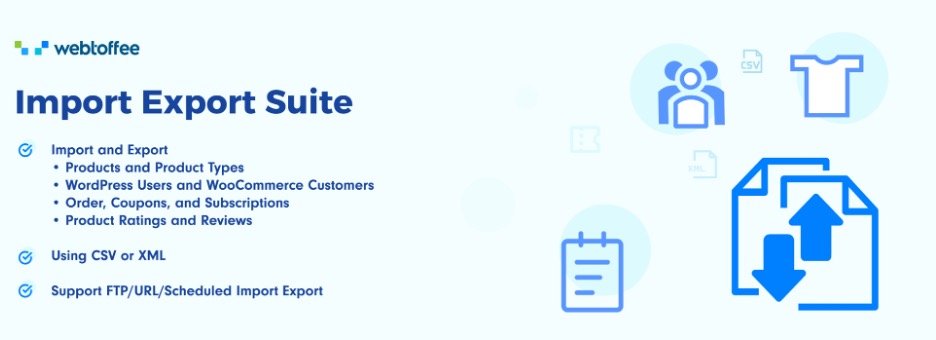
The WooCommerce Import Export Suite earns its all-in-one label. Products, orders, reviews, customers, it handles imports and exports across the board. CSV, XML, and Excel formats are all supported, and with bulk updates, automation, and advanced filtering built in, it’s well-suited for stores that need a migration tool that can actually keep up. The WooCommerce import export suite is also available in WooCommerce marketplace.
Key Features:
- Migrate products, orders, reviews, customers
- Compatible with multiple file formats
- Supports advanced filtering and automation
- Bulk updates with scheduled import/export
- Schedule import and export actions
Wrapping Up WooCommerce Migration Tools
Data migration doesn’t have to be the stressful part of running an eCommerce niche store. The right WooCommerce Migration plugin handles the heavy lifting, whether that’s file format compatibility, task automation, or advanced filtering for accuracy. Pick the one that fits your store’s needs, and moving products, customers, or orders becomes a lot less daunting.
Thanks for reading!















0 Comments