

Managing Woocommerce efficiently, means using plugins!
Store management in 2026 generates a constant stream of data tasks – catalog refreshes, order exports, customer list syncs, inventory corrections. None of it works well when you’re doing it manually, one row at a time. Import export plugins exist precisely to fix that, but picking the wrong one creates its own headaches.
The market is cluttered with tools that either do too little or overcomplicate things that should be simple. The plugins listed below were selected based on how well they handle real workflows, not just feature counts. The order reflects different use cases, so where you start on this list depends on what you’re actually trying to move.
1. Product Import Export for WooCommerce
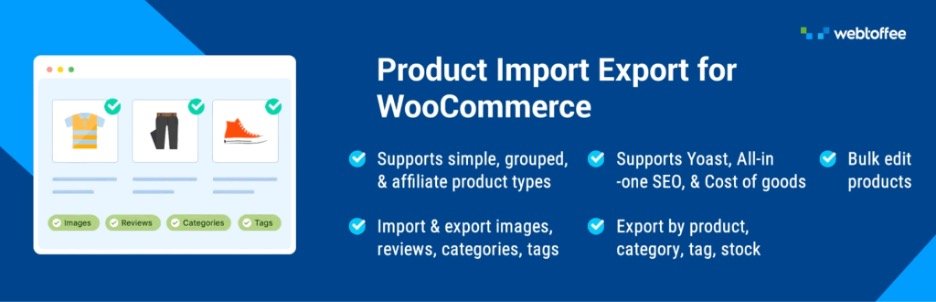
If product data is your main concern, this is where to start. WebToffee’s WooCommerce Product Importer plugin is narrowly focused on products, and that specialization pays off. Simple, variable, grouped, affiliate, subscription, and custom product types are all handled across CSV, XML, Excel, and TSV formats.
Three workflow modes give you flexibility without forcing complexity onto straightforward jobs. Quick mode covers routine exports. Advanced mode opens up filter-based exports by category, tags, stock status, or price range, plus column mapping and formula-driven bulk price and stock updates during import. Pre-saved templates mean you’re not reconfiguring the same job every time.
A few features set it apart from generic alternatives: ChatGPT API integration for auto-generating product descriptions on import (genuinely useful when onboarding products with thin data), FTP/SFTP scheduled jobs, and export support for product reviews and custom metadata. A free version handles basic product imports and exports, and upgrades when you need scheduling or the advanced mode.
2. WP Import Export Lite

The format support on WP Import Export Lite is wider than most paid plugins manage: CSV, XLS, XLSX, JSON, TXT, ODS, XML, and ZIP. Posts, pages, custom post types, taxonomies, comments, and users all transfer between WordPress sites without issue.
Background processing is where it earns its keep for larger datasets. Pause, resume, and stop controls make long-running jobs manageable without timeout concerns. Multiple operations can run simultaneously. The free version covers everything most store owners need; 19+ freemium add-ons extend integration with third-party tools, and scheduled jobs unlock with the premium upgrade. As a no-cost starting point, it’s hard to argue with the value-to-capability ratio.
3. Order Import Export Plugin for WooCommerce
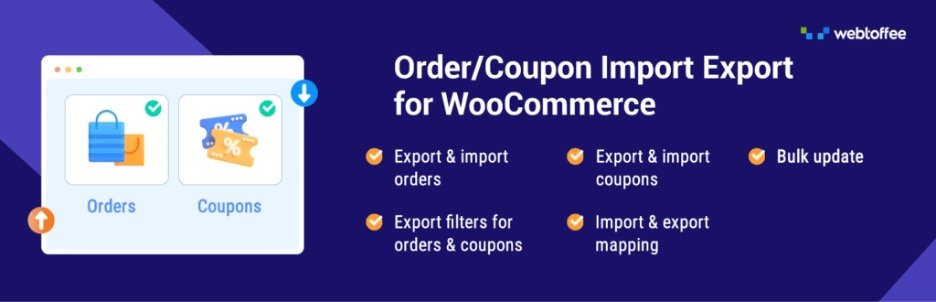
Order records are some of the most sensitive data in a WooCommerce store, and getting a migration wrong creates support chaos. The Order Import Export Plugin for WooCommerce approaches this carefully. Bulk importing and exporting of orders, coupons, and subscriptions work in quick mode for simple transfers, or advanced mode when you need filter-based control and field mapping.
Custom order metadata carries across intact. Scheduled recurring jobs run via FTP/SFTP. Activity logs track every operation, which matters when something goes sideways and you need to audit what ran. The free version handles CSV; premium extends to XML, TSV, and Excel. For stores doing regular order backups, history exports to reporting tools, or platform migrations, this order import export plugin takes the uncertainty out of it.
4. WP Ultimate CSV Importer

Don’t let the CSV-specific name mislead you, WP Ultimate CSV Importer works across CSV, XML, Excel, TSV, Google Sheets, ZIP, and JSON. WooCommerce products, orders, users, custom post types, and taxonomies are all in scope. The drag-and-drop mapping handles complex transfers without requiring clean, standardized source files.
The AI integrations added recently are worth flagging: the plugin now connects with ChatGPT, Gemini, and Claude to generate product descriptions during import. For stores onboarding large catalogs where source data is sparse, that’s a meaningful time reduction. Export is handled through the WP Ultimate Exporter add-on, available separately, which extends the plugin into a full bidirectional workflow.
5. WebToffee Import Export Suite for WooCommerce
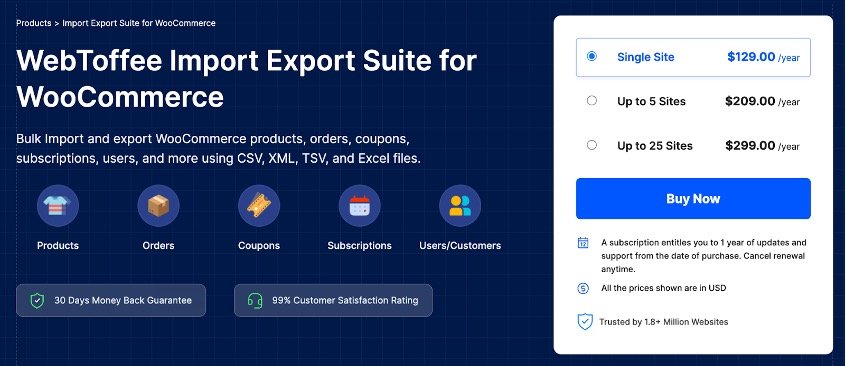
Managing multiple data types across separate plugins gets unwieldy fast. The WebToffee WooCommerce Import Export Suite consolidates that into a single plugin, products, orders, customers, coupons, reviews, and subscriptions are all covered. That breadth makes it a natural fit for stores running regular, multi-type data operations or full store migrations.
The Import Export Suite for WooCommerce supports CSV, XML, TSV, and Excel, with quick and advanced modes across every data type. FTP/SFTP scheduling handles recurring jobs automatically. Detailed activity logs make troubleshooting straightforward. For growing stores that want flexibility without managing multiple specialist plugins, this is the consolidation option worth considering.
6. WP All Import

Few import tools have the longevity and adaptability of WP All Import. Its drag-and-drop field mapping makes it practical even when your source file is structured nothing like WooCommerce expects, you connect the columns yourself, visually, without needing to pre-process the file. That’s a real advantage when you’re dealing with supplier feeds or third-party exports that don’t conform to any standard layout.
One thing to be straight about: WP All Import is import-only. Exporting lives in a separate plugin, WP All Export, which pairs directly with it. Together they handle CSV, XML, and Excel both ways. The free version covers most one-off use cases; going Pro with the WooCommerce add-on adds recurring imports, remote URL sourcing, and priority support, worthwhile if you’re running regular syncs with external systems.
7. WordPress Users & WooCommerce Customers Import Export
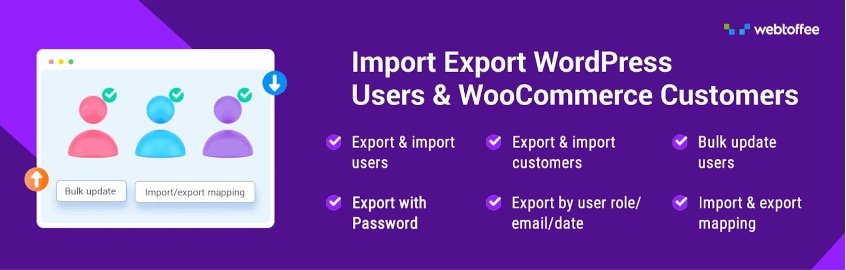
User migration is consistently the part of store management people delay until it’s urgent. The Import Export WordPress Users plugin handles both WordPress users and WooCommerce customers – names, email addresses, billing and shipping data, user roles, and custom metadata, with field mapping to ensure everything ends up where it should.
To be direct about scope: this user import export plugin is built specifically for user and customer profile data. It does that job well without trying to be a general-purpose solution. Advanced filtering and FTP/SFTP scheduled exports let you pull specific record sets on a defined schedule. Free version is CSV-only; premium adds XML, TSV, XLS, and XLSX support.
8. Export Products, Orders & Customers for WooCommerce

WPFactory built this as a straightforward, free export utility, and that’s exactly what it is. Products, orders, order items, and customers export to CSV or XML with minimal configuration. Predefined fields cover the things stores actually need: SKUs, prices, order statuses, payment methods, billing and shipping details.
The tabbed layout keeps product, order, and customer exports clearly separated. Output opens cleanly in Excel or Google Sheets. Custom and meta field exports require the Pro version. For stores that need reliable exports without additional complexity or cost, this delivers what it promises. The upgrade path is there when requirements grow.
9. WP Ultimate Exporter

One important detail before installing: WP Ultimate Exporter is an add-on to WP Ultimate CSV Importer. The base plugin must be installed and active first. That dependency is worth knowing upfront, it’s not a standalone tool.
With that in place, you get solid export functionality across posts, pages, WooCommerce products, orders, users, and custom post types in CSV, XML, XLS, XLSX, TSV, and JSON. Advanced filters and flexible field selection produce clean, accurate output. Large datasets aren’t a problem. If you’re already working within the WP Ultimate CSV Importer ecosystem, this completes the workflow without requiring a switch to anything else.
10. Import WP

Import WP handles XML and CSV from any source structure, local uploads, remote URLs, or FTP – with visual field mapping that scales reasonably well even with non-standard data layouts. Posts, pages, categories, tags, users, and attachments are all supported. Export to CSV, XML, or JSON is built in, not an add-on.
The WooCommerce add-on extends it meaningfully: products with images, categories, stock levels, and variations, plus custom post types, taxonomies, and more complex mapping scenarios. For WooCommerce stores where the source data format varies or isn’t predictable, the flexibility in how Import WP handles inputs is a practical advantage.
Which one should you pick?
The right plugin depends entirely on what data you’re moving and how often. Stores with heavy product catalog work are best served by a dedicated product import export tool. Stores doing platform migrations typically need the broader capability of a suite. Occasional exports for reporting purposes often don’t need much more than a free utility.
One practical consideration that gets overlooked in the eCommerce niche: think about scheduled automation before you commit to a tool. If you’ll need recurring, automated imports or exports down the line, syncing with a supplier, backing up order data weekly, updating stock from an external feed, make sure the plugin supports that before you’ve built your workflow around it.
The tools on this list cover every legitimate WooCommerce data workflow in 2026. Match the plugin to the actual task, and most of what used to take hours gets reduced to a few clicks.















0 Comments