

A Successful, Growing WooCommerce Store Needs Plugins!
Growth in WooCommerce doesn’t often come from a single change. It usually happens through a series of improvements that make your store easier to find, simpler to manage, and more effective at converting visitors into paying customers. From improving product visibility in search results to streamlining checkout, marketing, and order management, the right plugins can help remove friction at multiple stages of the buying journey.
WooCommerce itself provides a strong foundation, but extending its capabilities with carefully chosen plugins can open up far more opportunities for sales and customer acquisition. Some plugins help attract new visitors through better SEO and marketing automation. Others focus on improving the shopping experience, increasing repeat purchases, or simplifying store operations so you can scale effortlessly.
In this article, we’ll look at 15+ WooCommerce plugins that can actively support the growth of your WordPress store. Each plugin addresses a different part of the eCommerce process, helping you expand reach, improve conversions, and create a smoother buying experience for your customers.
1. Smart Coupons for WooCommerce
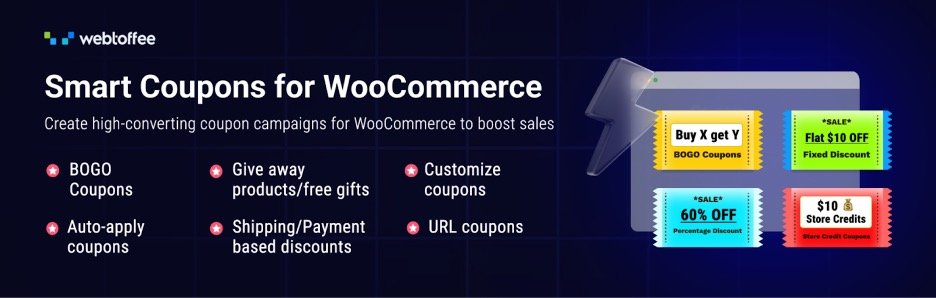
Discount campaigns play a major role in attracting new customers and encouraging repeat purchases. The Smart Coupons for WooCommerce plugin enhances the default WooCommerce coupon system so store owners can run more flexible promotions that support sales growth.
With this plugin, you can create advanced coupon campaigns that go far beyond simple percentage discounts. Store owners can run buy-one-get-one offers, apply coupons automatically at checkout, and generate URL-based coupons that apply discounts when customers click a link. These options make it easier to launch targeted promotions through email campaigns, ads, or social media while removing friction from the redemption process. The plugin also allows you to create advanced coupon rules with usage restrictions, helping you control how and when discounts are applied while protecting your margins.
The plugin also supports features such as bulk coupon code generation for large campaigns, welcome coupons for new users, and abandoned cart coupons to recover lost sales.
2. Yoast SEO
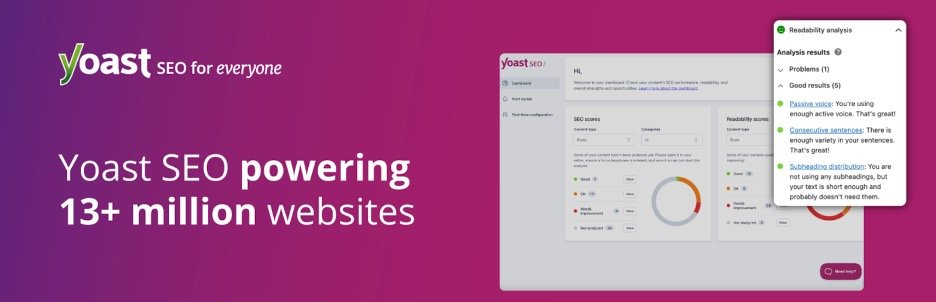
Organic search remains one of the most reliable ways to bring new visitors to a WooCommerce store. Yoast SEO helps store owners improve how their products, pages, and content appear in search engines so more potential customers can discover the store organically.
The plugin guides you while creating or editing content by analyzing important SEO factors such as keyword usage, content structure, and readability. It provides suggestions that help improve how pages perform in search results. It also generates important technical elements automatically, including optimized meta tags, canonical URLs that prevent duplicate content issues, and XML sitemaps that help search engines index your store pages more effectively. Structured data support further helps search engines understand your content, which can improve how listings appear in search results.
Combined with performance improvements that help reduce page load time, these features make Yoast SEO a valuable addition for WooCommerce stores looking to increase search visibility and attract consistent traffic.
3. PDF Invoices and Packing Slips Suite
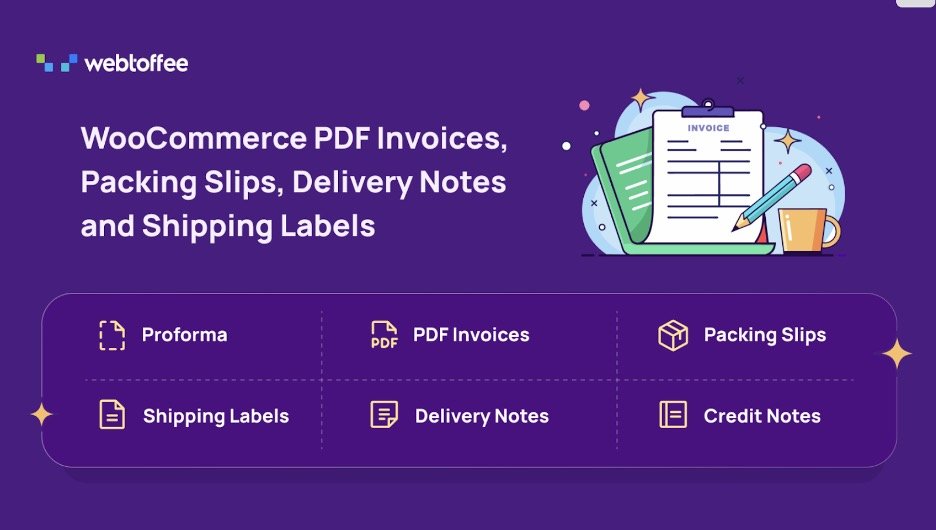
Efficient order documentation plays an important role as your WooCommerce store begins to handle more orders. The All-in-one PDF Invoices and Packing Slips Suite helps automate invoice creation and other order documents so store owners can manage fulfillment smoothly while maintaining a professional experience for customers.
The plugin automatically generates PDF invoices & Packing Slips for WooCommerce orders and attaches them to order confirmation emails. This removes the need to create invoices manually and gives customers immediate access to their purchase records. Beyond invoices, the plugin also supports packing slips, delivery notes, shipping labels, and dispatch labels, allowing store owners to manage multiple fulfillment documents from a single place. Bulk printing makes it easy to process large volumes of orders efficiently, while custom invoice numbering and tax fields such as VAT, GST, or ABN help stores maintain accurate financial records.
The invoice plugin also includes tools that support more advanced documentation needs. Store owners can generate proforma invoices for negotiated orders, create UBL/XML e-invoices for businesses that require structured invoice formats, and customize document layouts using a drag-and-drop editor.
4. LiveChat

Quick responses can make a big difference when visitors are deciding whether to complete a purchase. LiveChat helps WooCommerce store owners communicate with customers instantly, allowing you to answer questions, resolve concerns, and guide shoppers while they are still browsing your store.
The plugin adds a chat widget to your website so visitors can start conversations in real-time. This allows store owners or support teams to assist customers with product questions, order details, or checkout issues before they abandon the page.
LiveChat also includes automation features such as chatbot support and smart chat triggers that start conversations based on visitor behavior. These tools help stores respond faster, handle common questions efficiently, and engage visitors at the right moment during their shopping journey.
5. WooCommerce Gift Cards

Gift cards are a simple way to bring new customers into your store while also encouraging repeat purchases. The WooCommerce Gift Cards plugin allows store owners to create and sell digital or physical gift cards that customers can purchase for themselves or send to others, helping expand your customer base through referrals and gifting.
You can create dedicated gift card products that shoppers can buy just like any other item in your store. Customers can send digital gift cards to recipients through email and even schedule delivery for special occasions such as birthdays or holidays. This makes gift cards a convenient option for shoppers who want a quick yet meaningful purchase.
The plugin also helps store owners manage credits and gift vouchers more effectively. You can allow refunds to be issued as store credit instead of cash refunds. Since recipients redeem the value later, gift cards often lead to additional purchases beyond the original card value. These capabilities make Gift Cards for WooCommerce a practical tool for driving new traffic, boosting seasonal sales, and increasing long-term customer value.
6. Checkout Field Editor
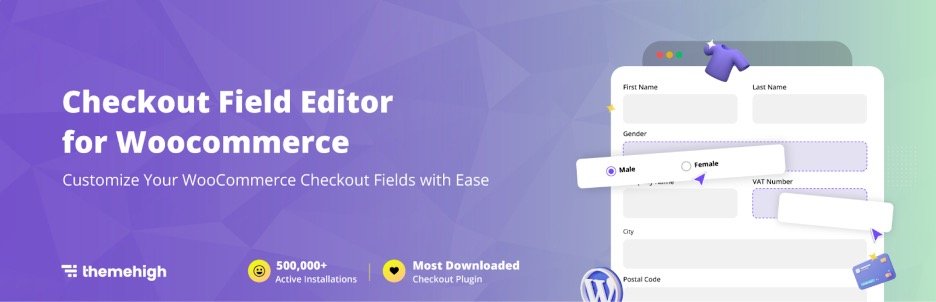
A complicated checkout process can easily slow down conversions in a WooCommerce store. The Checkout Field Editor plugin gives store owners max control over the checkout page so they can remove unnecessary steps and create a smoother purchasing experience.
You can modify the default WooCommerce checkout fields, add new fields, remove fields that are not required, and rearrange their position on the checkout page. This flexibility allows you to simplify the checkout process or collect specific information that supports order fulfillment. The plugin also supports multiple field types and built-in validation options, so the information submitted by customers remains accurate and useful.
Moreover, you can customize labels, apply CSS classes for styling, and reset all fields back to the default WooCommerce configuration if needed.
7. eCommerce Marketing Automation App
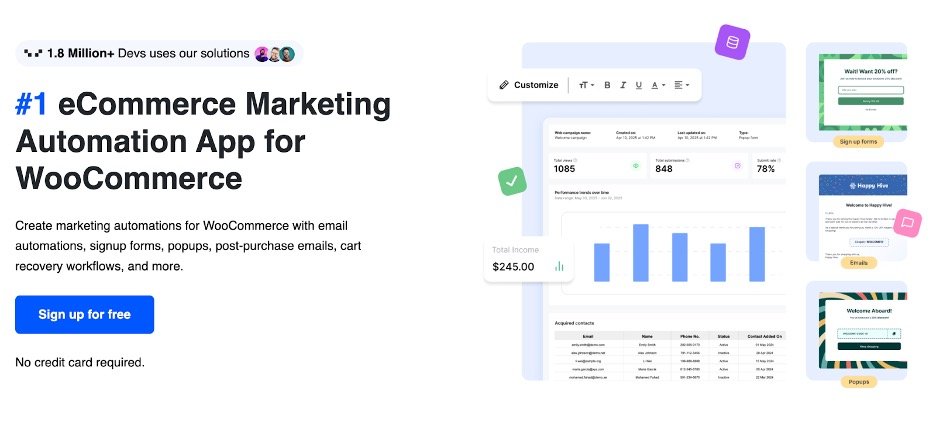
Consistent customer engagement is key to growing a WooCommerce store, but managing campaigns manually can quickly become overwhelming. The Marketing Automation for eCommerce App helps store owners automate important marketing activities so they can capture leads, recover lost sales, and maintain regular communication with customers.
The marketing automation plugin allows you to build automated workflows that respond to customer behavior across your store. You can capture new subscribers using signup forms and popups placed strategically on your site, then follow up with automated email sequences that introduce your brand or highlight relevant products.
It also helps recover abandoned carts by sending timely reminders that encourage shoppers to complete their purchase. Product recommendations within campaigns can further increase order value by suggesting items that match a customer’s interests. By combining lead capture, email automation, and cart recovery into one system, the plugin helps WooCommerce stores run automated marketing campaigns that drive traffic and higher revenue. Major features are pre-built popup automation templates, an email customizer dashboard, and easy integration with WooCommerce.
8. MonsterInsights
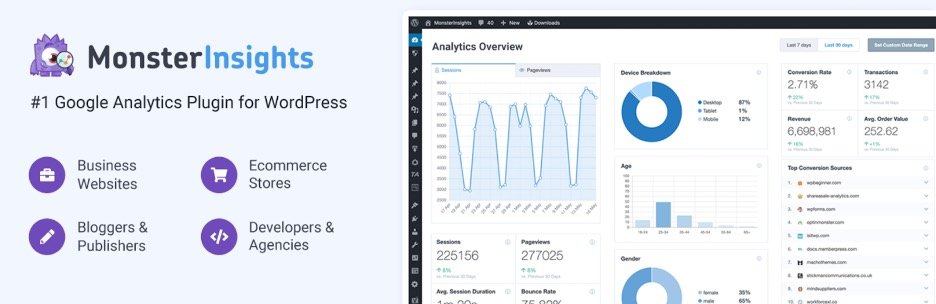
Understanding how visitors interact with your WooCommerce store is essential for improving conversions and planning effective marketing strategies. MonsterInsights connects your website with Google Analytics and presents the data in a clear format directly inside your WordPress dashboard.
The plugin simplifies the process of setting up Google Analytics and activating important tracking features with only a few configuration steps. Once connected, it brings visitor insights, traffic sources, and user behavior reports into the WordPress admin area. Store owners can quickly see how people are finding their store, which pages attract the most attention, and which marketing efforts are driving the best results.
MonsterInsights also organizes analytics data into focused reports that highlight the metrics that matter most for store growth. With clearer insights into how visitors interact with your store, you can make informed decisions that improve traffic quality and optimize conversions.
9. Product Feed for WooCommerce
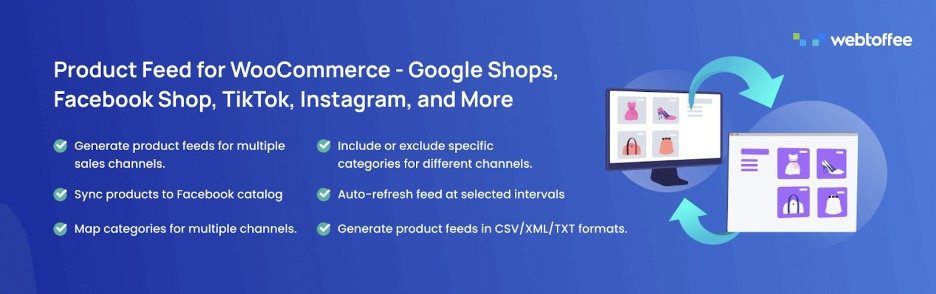
Selling through multiple channels can significantly expand the reach of a WooCommerce store. The Product Feed pro for WooCommerce plugin helps store owners showcase their product catalog to popular marketing and shopping platforms, making it easier for potential customers to discover products outside the store itself.
The plugin allows you to generate product feeds that can be submitted to major sales channels such as Google Shopping, Facebook, Instagram, TikTok, and more. These feeds organize your product data in a format required by each platform so your listings appear correctly in ads and product catalogs. Store owners can also control which products appear in each feed by including or excluding specific categories or items. This helps you promote the most relevant products for each platform and align campaigns with your marketing strategy.
To improve listing accuracy, the plugin also lets you map WooCommerce product attributes and categories with the corresponding fields required by each sales channel. By making it easier to publish products across multiple marketing channels, the plugin helps WooCommerce stores increase product visibility and attract new traffic.
10. Accessibility Tool Kit

Making your WooCommerce store accessible to all users is an important part of building a wider customer base. The Accessibility Tool Kit plugin helps store owners identify and address common accessibility barriers so more visitors can comfortably browse, interact with, and purchase from the site.
The plugin includes an accessibility checker that scans your website and highlights issues that may affect usability or compliance with standards such as WCAG 2.1, Section 508, and ARIA guidelines. It can detect problems like missing form labels, improper heading structure, contrast issues, and keyboard navigation limitations. These insights help store owners understand where improvements are needed and take action before accessibility issues affect user experience or legal compliance.
To improve usability for visitors, the plugin provides an accessibility toolbar that allows users to adjust elements of the website based on their needs. For developers and site testers, the free Accessibility Checker extension offers additional tools to scan pages, review alt text, inspect focus order, and evaluate accessibility issues across desktop and mobile layouts.
11. Request a Quote Plugin for WooCommerce

Not every WooCommerce store follows a fixed pricing model. Many B2B stores, bulk sellers, and custom product businesses need a way to discuss pricing before a purchase is finalized. The Request a Quote Plugin for WooCommerce allows store owners to handle quote-based sales from their store without disrupting the buying process.
The plugin allows customers to add products to a quote basket and submit quote requests instead of completing a standard checkout. Store owners can hide product prices and replace the Add to Cart button with a Request a Quote option when pricing depends on order quantity or customer requirements. All incoming requests are organized in a centralized quote dashboard where you can review the request, adjust pricing if needed, and respond to the customer with an approved quote.
By enabling structured quote management within WooCommerce, the plugin helps businesses handle negotiated sales more efficiently and capture opportunities that might otherwise be lost.
12. WPForms

Clear communication channels help WooCommerce stores capture inquiries, feedback, and potential leads that may otherwise be missed. WPForms makes it easy to create different types of forms on your website so visitors can quickly reach out, subscribe, or complete specific actions without friction.
The plugin includes a visual drag-and-drop builder that allows store owners to create forms. You can build contact forms, feedback forms, newsletter signup forms, or payment forms in just a few steps. WPForms also provides a collection of pre-built templates that help you launch common forms quickly. This makes it easier to place lead capture forms across your store and convert casual visitors into potential customers or subscribers.
By helping store owners collect inquiries, feedback, and customer information more efficiently, WPForms supports better engagement and opens up more opportunities for engagement.
13. Import Export Suite for WooCommerce
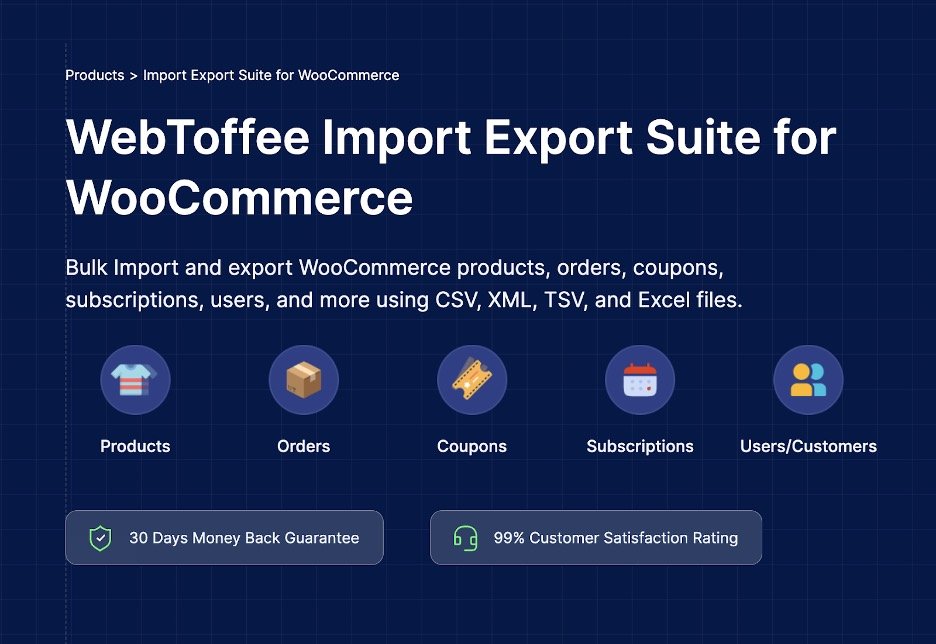
Managing large volumes of store data becomes more challenging as a WooCommerce store grows. The Import Export Suite for WooCommerce helps store owners handle bulk data operations by allowing them to import or export important store information in structured file formats.
With this plugin, you can move data such as products, orders, coupons, subscriptions, and users using formats like CSV, XML, TSV, or Excel. This makes it easier to migrate stores, update large product catalogs, or sync data between systems without making manual changes one by one. The plugin also includes flexible import and export methods along with advanced filters that allow store owners to export only specific data sets when needed.
The plugin also supports bulk updates, which helps store owners modify large sets of product or order data quickly. Scheduled import and export jobs can automate routine data transfers, saving time for stores that regularly update inventory or maintain external data backups.
14. Sucuri Security

Security plays a direct role in maintaining customer trust and protecting the long term growth of a WooCommerce store. Sucuri Security helps store owners monitor their websites for potential threats and maintain a safer environment for both administrators and shoppers.
The plugin provides continuous monitoring tools that track important security events within your WordPress installation. It records activity across the site so store owners can quickly detect suspicious behavior. File integrity monitoring checks core files and alerts you if unexpected changes occur, helping identify potential vulnerabilities early. The plugin also performs regular remote malware scans to detect malicious code and notify you before it causes damage to your site.
Sucuri Security also helps store owners strengthen their websites with recommended security hardening measures. By protecting your store from security threats and downtime, Sucuri Security helps maintain the reliability and credibility needed for steady business growth.
15. Customer Reviews for WooCommerce

Customer feedback plays an important role in influencing purchase decisions. The Customer Reviews for WooCommerce plugin helps store owners collect more product reviews and present them in a way that builds credibility and encourages new shoppers to complete their purchase.
The plugin makes it easier to gather reviews by sending automated reminder emails to customers after they complete a purchase. These reminders prompt buyers to share their experience while the product is still fresh in their mind. Store owners can also send review reminders manually through WhatsApp using click-to-chat integration. By increasing the number of verified reviews, the plugin helps strengthen social proof across product pages and improves customer confidence.
16. WooPayments

A smooth and reliable payment experience is essential for converting visitors into paying customers. WooPayments allows WooCommerce store owners to accept credit and debit card payments directly on their website without redirecting customers to external payment pages.
The plugin integrates payment processing into the WooCommerce dashboard, allowing store owners to manage transactions from the same place where they run their store. You can view payments, track incoming funds, handle refunds, and monitor transaction activity without logging into a separate payment platform. Keeping these tasks within WordPress simplifies day-to-day operations and helps store owners maintain clear visibility over their store’s cash flow.
By making payment processing simple and accessible, WooPayments helps WooCommerce stores provide a frictionless checkout experience that supports consistent sales growth.
17. Product Import Export for WooCommerce
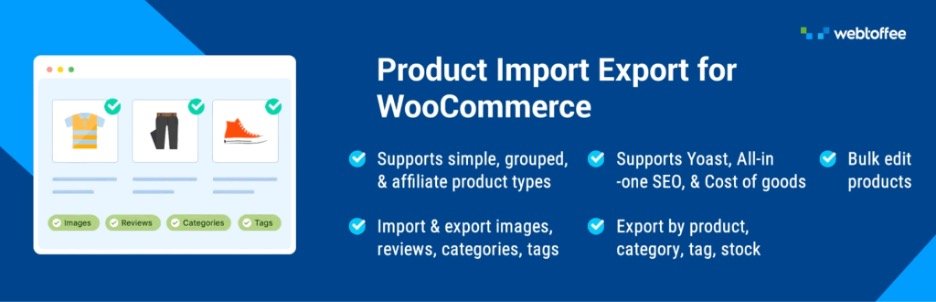
Managing large catalogs in a WooCommerce store often requires bulk importing and exporting of product data. Doing this manually can be tedious and error-prone. The Product Import Export for WooCommerce plugin simplifies this process by providing an efficient way to handle product data in bulk.
Store owners can easily export product lists in CSV format for backup or migration purposes. The WooCommerce Product Import Export plugin also supports importing product data from CSV files, allowing for quick catalog updates. It handles all product types, including variable and grouped products.
Key features include scheduled imports and exports and automatic column mapping. It saves valuable time and reduces errors during product data management.
Growing an eCommerce Store with WooCommerce Doesn’t Have to be Complicated!
Choosing the right plugins can have a direct impact on how efficiently your WooCommerce store operates and how quickly it grows within the competitive eCommerce niche. Each plugin in this list addresses a specific area of store management, from improving search visibility and marketing outreach to optimizing checkout, managing data, and strengthening security. When these areas work together, they create a stronger foundation for attracting visitors, converting them into customers, and retaining them over time.
As your WooCommerce store evolves, continue evaluating the tools you use and refine your stack based on what supports your growth goals the most. With the right plugin mix in place, your WordPress store can steadily expand its reach, improve conversions, and build a stronger customer base.















0 Comments